 28
No Key
28
No Key
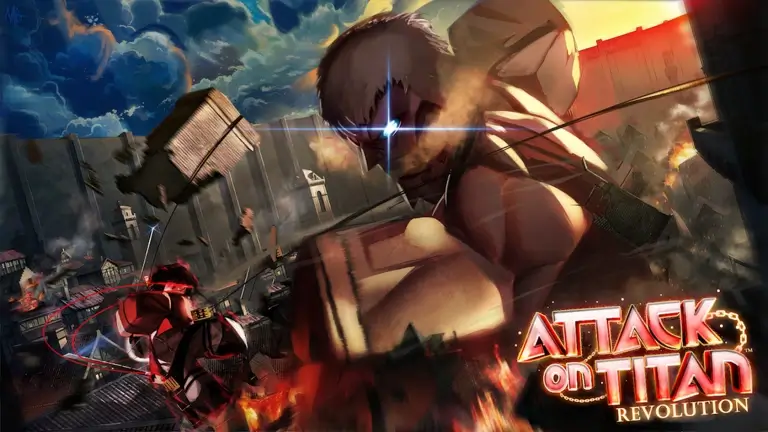
Attack on Titan Revolution DZ Hub Script – Keyless, Auto Farm, Kill Aura, Auto Retry

Description
Views
28+
Likes
0
Dislikes
0
Posted
4 weeks ago
Updated
4 weeks ago
Key System
No
Mobile
Supported
Script Preview
loadstring(game:HttpGet("https://dzhub.xyz/loader.lua"))()How to Use This Script
1
Open Your Executor
Launch a supported executor and attach it to a running Roblox session.
2
Copy the Script
Click the Copy button above. The full loadstring is placed on your clipboard instantly.
3
Paste & Execute
Paste it into the executor and hit Execute. The hub window opens inside the game.
Features
Compatible Executors
Similar Scripts
 18
4 weeks ago
No Key
18
4 weeks ago
No Key
The Hunt: Roblox 20 Script – Keyless, Farm All, Target Farming, Island Travel
The Hunt: Roblox 20
 4
3 days ago
Key System
4
3 days ago
Key System
+1 Stone Skipping Script – Axon Hub, Auto Farm, Auto Rebirth & Auto Hatch
+1 Stone Skipping
 4
1 week ago
No Key
4
1 week ago
No Key
Dueling Grounds Script – Keyless, Auto Parry, Parry Chance & God Mode
Dueling Grounds
 83
3 weeks ago
Key System
83
3 weeks ago
Key System
Kazu Hub King Legacy Script – Auto Farm, Sea Events, Dungeons & Smart Hop
King Legacy
 249
4 weeks ago
No Key
249
4 weeks ago
No Key
+1 Strength to Grow Your Arm Script – Keyless, Auto Break, Auto Train, Auto Rebirth
+1 Strength to Grow Your Arm
 75
2 weeks ago
No Key
75
2 weeks ago
No Key
Polluted Hub Steal an Egg Script Keyless Auto Farm, Auto Steal & ESP
Steal An Egg
Comments
0Join the discussion about this script.

No comments yet. Be the first to comment!