
Description
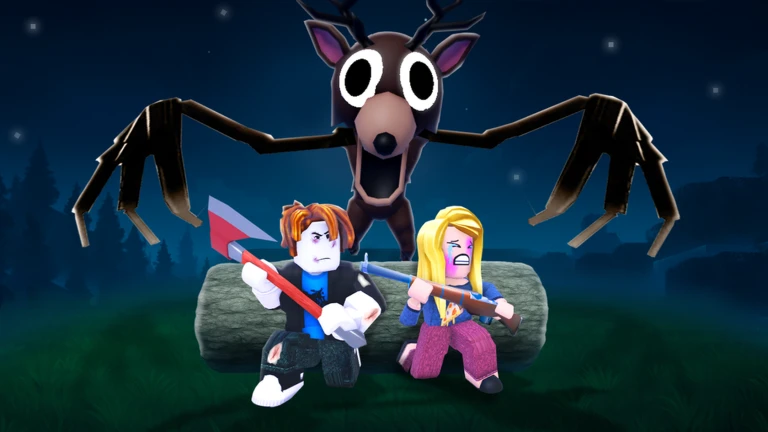
The Nismo Script is an automation and utility script for the Roblox game 99 Nights in the Forest. It includes campfire management, automatic food preparation, tree farming, combat features, item collection, ESP tools, and teleport options to help automate survival tasks.
Key Features
Survival Automation
- Auto Feed Campfire: Automatically feeds the campfire.
- Auto Chop Trees: Collects wood for fuel.
- Auto Hunt: Hunts selected animals.
- Auto Cook Meat & Auto Eat: Automates cooking and eating.
- Auto Tree Farm: Automates tree farming.
Combat & Item Collection
- Kill Aura: Attacks nearby enemies automatically.
- Chop Aura: Automates nearby chopping actions.
- Auto Open Chests: Automatically opens chests.
- Bring Items: Brings selected items closer.
- Camp Supplies: Brings fuel and food to the camp.
ESP & Teleport
- Chest ESP: Helps locate chests.
- Entity ESP: Highlights lost kids, deer, and enemies.
- Fuel ESP: Helps locate fuel.
- Campfire Teleport: Teleports to the campfire.
- Other Teleports: Travel to the pelt trader, nearest chest, or nearest lost kid.
Movement Options
- WalkSpeed: Adjusts movement speed.
- Infinite Jump: Allows repeated jumping.
- Noclip: Allows movement through certain objects.
Script Information
- Script Name: Nismo Script
- Supported Game: 99 Nights in the Forest
- Creator: Nismo
- Execution: Direct Execute, according to the listing
- Key System: A key link is provided in the listing.
- This script’s key system is at https://acrohub.xyz/key/.
- Status: Marked as working by the listing, which also flags possible detection and patching.
Views
5+
Likes
0
Dislikes
0
Posted
5 days ago
Updated
5 days ago
Key System
Yes
Mobile
Supported
Script Preview
loadstring(game:HttpGet("https://raw.githubusercontent.com/nismovxa/acro-hub/refs/heads/main/acro-main"))()How to Use This Script
1
Open Your Executor
Launch a supported executor and attach it to a running Roblox session.
2
Copy the Script
Click the Copy button above. The full loadstring is placed on your clipboard instantly.
3
Paste & Execute
Paste it into the executor and hit Execute. The hub window opens inside the game.
Features
Compatible Executors
Similar Scripts
 4
1 week ago
Key System
4
1 week ago
Key System
Rift Script 99 Nights in the Forest, Auto Diamond Farm & Kaitun
99 Nights in the Forest
 44
2 weeks ago
Key System
44
2 weeks ago
Key System
99 Nights in the Forest Script ZeroPoint Auto Farm, Lobby, Items & More
99 Nights in the Forest
12
2 weeks ago
Key System
99 Nights in the Forest Script Auto Save Kids, Auto Farm, Combat & ESP
99 Nights in the Forest
 66
2 weeks ago
Key System
66
2 weeks ago
Key System
99 Nights in the Forest Script Auto Stronghold, Auto Biofuel, Auto Farm & 100+ Features
99 Nights in the Forest
 15
4 weeks ago
No Key
15
4 weeks ago
No Key
99 Nights in the Forest Ringta Hub Script – Keyless, Auto Gather, Godmode, Kill Aura
99 Nights in the Forest
Comments
0Join the discussion about this script.

No comments yet. Be the first to comment!