
Description
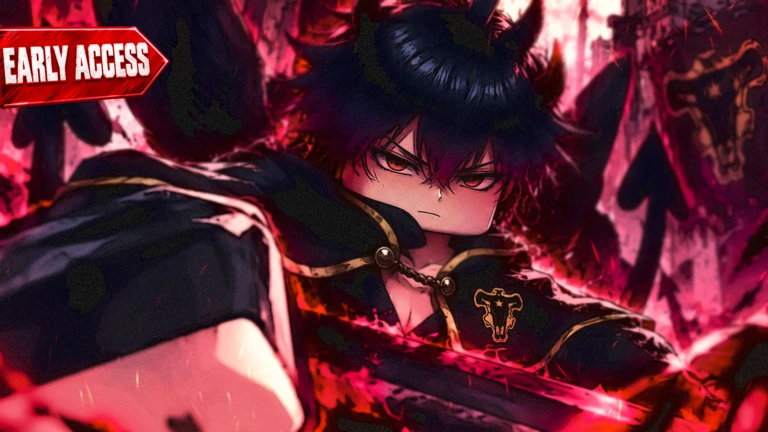
Ouroboros Hub is a keyless script for Clover Time [BETA RELEASE] on Roblox, designed to automate farming, quests, boss fights, and item collection. It includes customizable farming settings such as mob selection, position, distance, orbit speed, and search range. The script also provides automatic stat upgrades, quest switching, boss farming, and drop collection to help simplify game progression.
Key Features
Auto Farm
- Auto Farm: Automatically farms selected mobs.
- Mobs: Provides mob selection options.
- Position: Includes farming position settings.
- Distance: Allows distance customization.
- Orbit Speed: Adjusts orbit movement speed.
- Search Range: Controls the search range for farming targets.
Auto Stats
- Auto Stats: Automates stat-related upgrades.
- Stat Selection: Allows you to select which stats to upgrade.
- Max Points Per Request: Provides a maximum points setting for each request.
Auto Quest
- Auto Quest: Automatically handles available quests.
- Quest Selection: Allows you to choose a quest.
- Switch to Selected Quest: Automatically switches to the selected quest.
- Quit Unsupported Quests: Automatically leaves unsupported quests.
Boss & Drop Automation
- Auto Bosses: Automates boss-related activities.
- Boss Selection: Includes boss selection options.
- Drops: Provides drop-related settings.
- Auto Collect Drops: Automatically collects available drops.
Additional Features
- Keyless Script: No key is required.
- Beta Support: Designed for the Clover Time beta release.
Script Information
- Script Name: Ouroboros Hub
- Supported Game: Clover Time [BETA RELEASE]
- Key System: Keyless
- Script Type: Auto Farm, Auto Quest & Boss Automation
- Uploader Badge: Moderator badge displayed on the source listing
Supported Game
Clover Time
Supported Executors
- Xeno
- Volt
- Potassium
- Wave
- Delta
- Solara
- Opiumware
- Codex
- MacSploit
- Vega X
- Velocity

Views
159+
Likes
0
Dislikes
0
Posted
2 weeks ago
Updated
2 weeks ago
Key System
No
Mobile
Supported
Script Preview
loadstring(game:HttpGet("https://raw.githubusercontent.com/joustingmatch/Ouroboros/main/loader.lua"))()How to Use This Script
1
Open Your Executor
Launch a supported executor and attach it to a running Roblox session.
2
Copy the Script
Click the Copy button above. The full loadstring is placed on your clipboard instantly.
3
Paste & Execute
Paste it into the executor and hit Execute. The hub window opens inside the game.
Features
Compatible Executors
Similar Scripts
 3
1 day ago
No Key
3
1 day ago
No Key
Rust Blaster Script – Ouroboros Hub, Auto Laser, Auto Buy & Auto Rebirth
Rust Blaster
 6
2 weeks ago
Key System
6
2 weeks ago
Key System
Steal and Escape Police Script Barrage Hub Auto Steal, Auto Bail & Auto Farm
Steal and Escape Police
 9
4 weeks ago
No Key
9
4 weeks ago
No Key
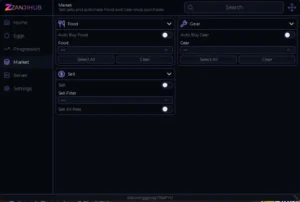
Ride A Pet Script – Keyless, Auto Buy Food, Auto Buy Gear, Auto Sell Pets
Ride A Pet
 17
4 weeks ago
No Key
17
4 weeks ago
No Key
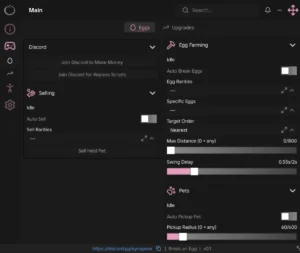
Break An Egg Ouroboros Hub Script – Keyless, Auto Sell, Egg ESP, Auto Break Eggs
Break An Egg
 26
4 weeks ago
No Key
26
4 weeks ago
No Key
Steal An Egg Neva Hub Script – Keyless, Auto Farm, Auto Steal, Auto Hatch
Steal An Egg
 11
3 weeks ago
Key System
11
3 weeks ago
Key System
Blue Lock Farm S0ftKillz Script – Full Farm, Auto Best Units
Blue Lock Farm
Comments
0Join the discussion about this script.

No comments yet. Be the first to comment!